Why school events need a low-friction photo collection system
School communities create a lot of photos. Parents capture emotional moments. Teachers get behind-the-scenes context. Students document their own version of the day. But without a clear collection flow, those images stay fragmented.
That is especially true for graduations, performances, field days, and proms where many families want to contribute but nobody wants a complicated app setup.
The simplest setup for graduations, proms, and performances
A printed QR code on the program, signage, or event screen works because it is visible, familiar, and easy to explain. Guests scan, upload, and move on.
For schools, this matters because the solution has to work for a wide mix of devices and comfort levels. Browser-based upload is the lowest-friction option.
- Add the QR code to the printed program
- Put it near entrances and photo moments
- Use plain language instructions for parents and grandparents
- Send photos into one shared Google Drive folder for the organizers
Why this works better than asking families to email photos later
Email creates delay, and delay kills follow-through. By the time families are home, the moment has passed and contribution rates drop.
A QR code makes the action immediate while the emotion is still happening. That is how you end up with a fuller school event gallery instead of a partial one.
Good fit for yearbooks, recap posts, and school archives
Once photos are already in Drive, yearbook teams, PTO organizers, and communications staff can actually use them. That makes the system valuable beyond the event itself.
The best school event photo workflow is not just easy for contributors. It also reduces post-event admin for the people doing the organizing.
What works differently at school events compared to weddings
Wedding photo setups and school event setups have different constraints. At a wedding, guests are adults who have been primed to participate. At a school event, the audience is a mix of parents, grandparents, teachers, and students — each with different tech comfort levels.
Privacy is also a bigger consideration. Schools need to be thoughtful about student photos being collected by third-party platforms. A setup that stores photos in the school's own Google Drive — not a third-party cloud — gives administrators direct control over who can access images.
Participation rates also behave differently. At weddings, the couple promotes sharing before the event. At school events, the organizer is often juggling logistics right up to the start. That makes low-setup, high-visibility QR code placement even more important.
- Place QR codes on every seat or table — not just at the entrance
- Use large-print signage near the stage or performance area
- Have a teacher or parent volunteer mention the QR code from the mic
- Photos go to the school's own Google Drive, not a shared third-party album
How to set up photo collection for a field day, sports day, or graduation
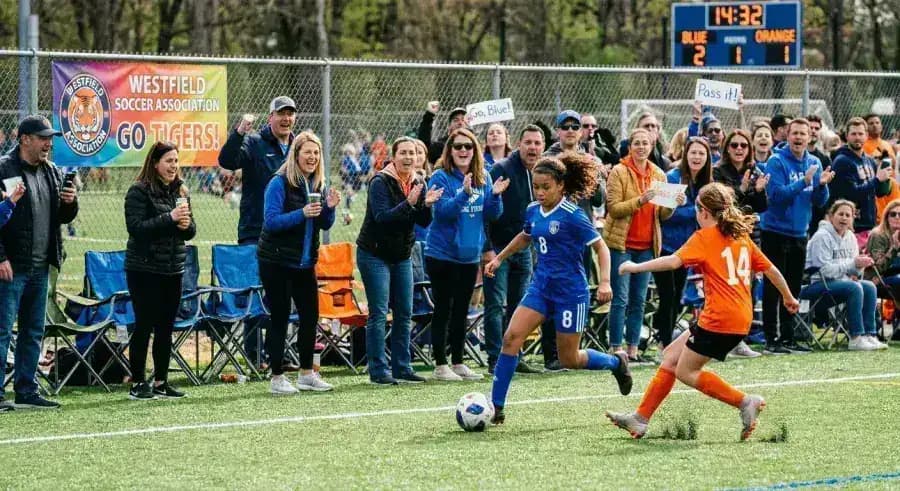
Outdoor events like field days and sports days have a different dynamic than indoor performances. Parents are moving around, often at different stations or fields. The QR code needs to be easy to find in multiple locations rather than displayed in one central spot.
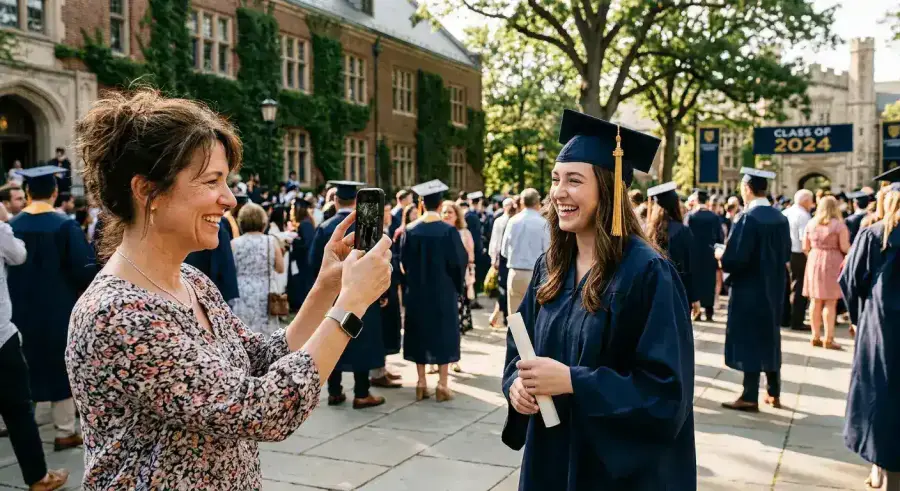
For graduations, the setup is more controlled. The program is the best placement — nearly every family keeps it. A single line like 'Scan to share your photos — they go straight to the school's Drive' is all the instruction needed.
For field days and sports days: print waterproof QR code cards or use a simple sign at the finish line, main entrance, and any permanent stage or podium area. If there is a school-wide announcement PA system, a brief mention at the start of the event converts more families than any signage alone.
Next steps
Related pages that support this topic
These pages are the main commercial and educational destinations tied to this search intent.