Why couples still love the idea of disposable wedding cameras
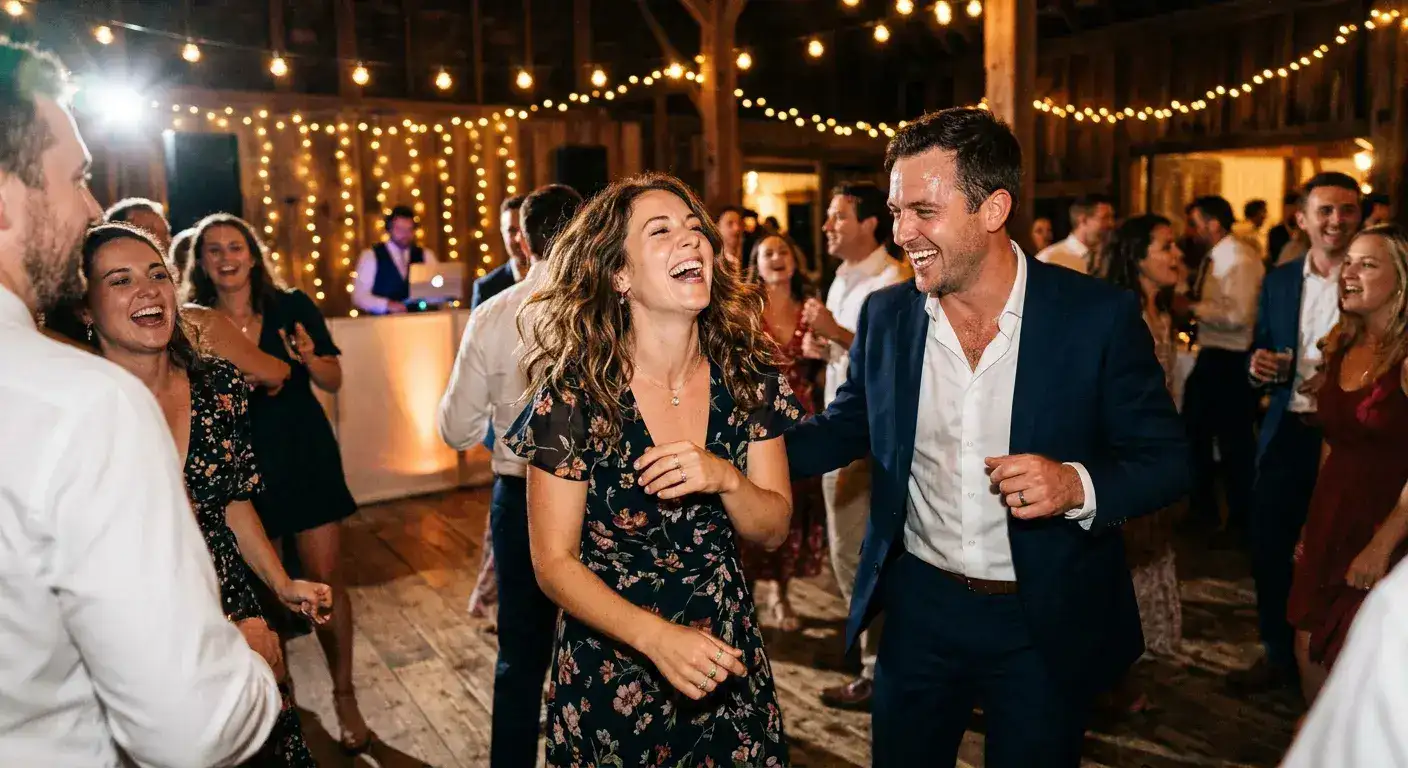
Disposable cameras stay popular for one simple reason: couples want the guest perspective. The candid smile at the bar, the grandparent reaction during dinner, the dance-floor chaos after the formal photos are over — those are the moments people hope to capture with a camera on every table.
That instinct is right. Your photographer covers the ceremony and portraits. Your guests capture the texture of the day. The problem is not the desire for more candid wedding photos. The problem is the workflow disposable cameras force you into afterward.
Where disposable cameras break down in real life
Film sounds charming until you get into the logistics. You have to buy the cameras, place them, collect them, develop them, digitize them, and accept that a chunk of the shots will be blurry, dark, duplicated, or wasted entirely.
That is a lot of operational drag for a result that is often unpredictable. If what you actually want is more authentic guest photos, there is usually a cleaner way to get them than putting film on every table.
- Upfront camera and development costs add up quickly
- Low-light receptions are rough on disposable film
- Guests often waste shots or forget to use the cameras
- You do not get immediate access to the photos
- Someone still has to collect, process, and organize everything later
What a better wedding photo collection system looks like
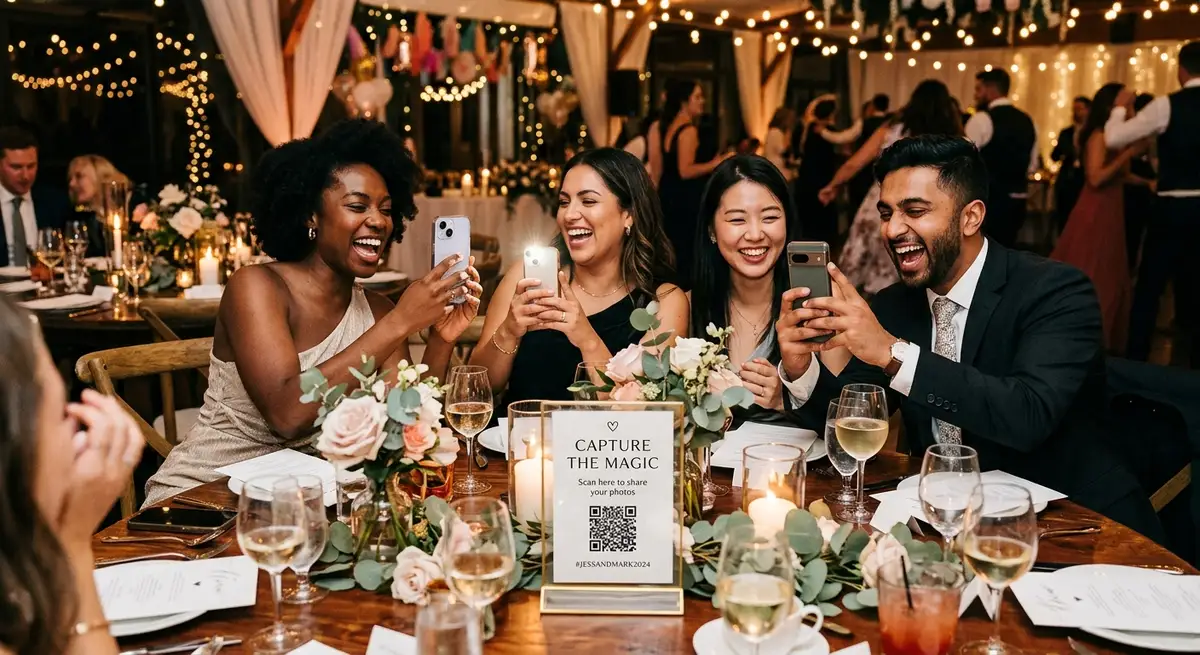
The modern replacement is simple: guests scan a QR code, open a lightweight upload page in their phone browser, and send photos directly from the device already in their hand. No app. No guest account. No explaining a complicated workflow on your wedding signage.
That setup preserves the core upside of disposable cameras — guest-generated candids from every angle — while removing most of the friction that makes the old approach annoying to run.
Disposable cameras vs QR code guest photo sharing
The difference comes down to quality, speed, and cleanup. Disposable cameras create a delayed, manual workflow. QR code photo sharing creates an immediate, digital one.
- Disposable cameras: nostalgic, physical, slow to collect, slow to process
- QR code upload: familiar, instant, easier for guests, and easier for the couple
- Disposable cameras: more waste and more uncertainty
- QR code upload: better image quality from guests' real smartphone cameras
- Disposable cameras: photos must be developed and digitized later
- QR code upload: photos can land directly in your Google Drive during or right after the event
Why QR upload works better for modern weddings
Every guest already brought a camera that is better than a disposable one. The real job is not giving people a camera. It is giving them the easiest possible path to share what they already capture.
That is why browser-based upload works. Guests do not need to install anything, remember to mail anything, or hand anything back. They scan, upload, and move on. For the couple, that means more usable photos and much less post-wedding admin.
Best places to put a wedding photo QR code
Prompt placement matters. The best locations are the places where guests naturally pause and check their phones anyway. Repetition also helps — one sign at the entrance is rarely enough.
- Welcome sign near the entrance
- Cocktail tables or bar signage
- Dinner tables
- Guest book or card table
- Dance floor entrance or DJ booth area
When disposable cameras still make sense
There are a few weddings where disposable cameras are still a reasonable choice. If the film aesthetic is part of the visual concept, or the cameras are mainly there as decor and novelty, they can still fit the event.
But if your real goal is simply to collect more guest photos with less hassle, a QR code upload workflow is the stronger tool. It is easier for guests, easier for the couple, and much easier to use after the wedding is over.
Next steps
Related pages that support this topic
These pages are the main commercial and educational destinations tied to this search intent.
Wedding Photo Sharing for Guests
The main landing page for collecting wedding guest photos with QR upload and direct Google Drive delivery.
FeatureQR Code Photo Upload for Weddings and Events
A feature page focused on QR-code-driven uploads from any phone browser.
FeatureCollect Wedding and Event Photos Directly to Google Drive
A feature page focused on ownership, organization, and no-export workflows.
GuideWedding Photo Sharing with a QR Code
The direct replacement for disposable cameras and post-event text chasing.