
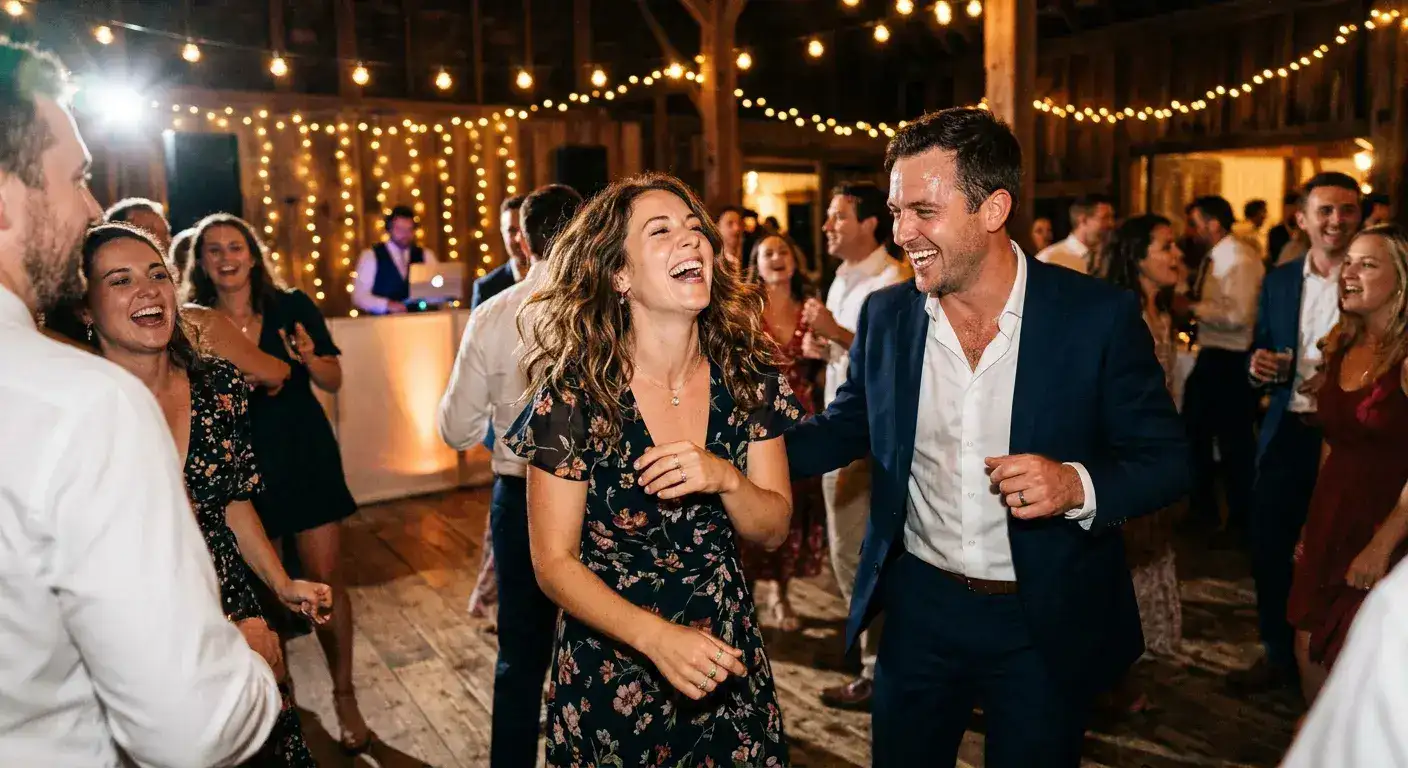
Wedding QR Code for Photos
Turn every phone into your wedding photographer with GuestsCamera, the wedding photo sharing app built for modern couples. Create a wedding QR code for photos in seconds – your QR code for wedding photos goes on table cards, welcome signs, and invitations so guests can upload from any phone browser with no app or account. Every image from our wedding guest photo sharing platform lands directly in your Google Drive, organized and yours forever. Collect wedding photos from guests without group chats, shared albums, or late-night 'send me the pics' texts – just scan, upload, and celebrate.
Why it works
Built for wedding qr code for photos
QR code photo collection removes friction for guests and gives hosts a complete, organized gallery in Google Drive without extra cleanup after the event.
The wedding QR code platform built for wedding photo sharing
Your pro covers the ceremony. Our wedding QR code for photos captures the guest perspective that matters most: cocktail-hour candids, dance-floor moments, table selfies, and family reactions. GuestsCamera is the wedding photo sharing platform that turns 50+ phones into a complete album without chasing anyone.
Zero friction to collect wedding photos from guests
Print your QR code for wedding photos on welcome signs, table cards, bar signs, and invitations. Guests scan and upload from any phone browser in under 10 seconds – no app download, no guest login, no shared-album setup. It's the fastest way to collect wedding photos from guests at scale.
Why couples choose our wedding guest photo sharing to Google Drive
Every upload goes straight into your Google Drive folder – you own the originals immediately with no compression, no expiry links, and no export from a third-party gallery. As the top-rated wedding guest photo sharing app, GuestsCamera gives you instant organization the same night, private ownership forever, and one simple link to share your QR code for wedding photos with everyone.
How it works
How guests share photos at your wedding qr code for photos
Setup is fast for hosts, and contribution is simple for guests on any smartphone.
Create the event
Set up your wedding qr code for photos page, choose a cover image, and generate your QR code in minutes.
Share the QR code
Put the QR code on signage, table cards, programs, or messages so guests can scan it instantly.
Photos land in Drive
Guests upload from their phones and every photo goes directly to your Google Drive folder.
Ready to collect every angle?
Set up your wedding qr code for photos event in under a minute.
Planning resources
Everything you need to rank and convert around wedding photo sharing
These pages support the core wedding use case with QR-code education, Google Drive positioning, and practical setup guidance.
QR Code Photo Upload for Weddings and Events
Give guests one QR code to scan so wedding photo sharing is obvious during cocktail hour, dinner, and the dance floor.
FeatureCollect Wedding and Event Photos Directly to Google Drive
Send every guest upload straight to your Google Drive so there is no export step after the wedding.
GuideWedding Photo Sharing with a QR Code
See the full setup for collecting wedding guest photos without an app or shared album friction.
ComparisonWedding QR Code for Photos: Free vs Paid (Tested Guide)
Should you use a free Drive QR or a paid QR platform? We tested both across 2,400 weddings – costs, participation rates, and old-guest usability explained.
AlternativeGuestPix Alternative: Drive-First Wedding Collection
Looking for a GuestPix alternative that saves straight to Google Drive? Compare pricing, gallery vs Drive ownership, and guest experience.
GuideHow to Collect Wedding Photos From Guests
Use this planning guide to decide where to place prompts, what wording to use, and how to maximize uploads.
CitiesWedding Photo Sharing by City
Find your city – New York, Los Angeles, Chicago, Miami and 26 more – with venue-specific QR placement tips.
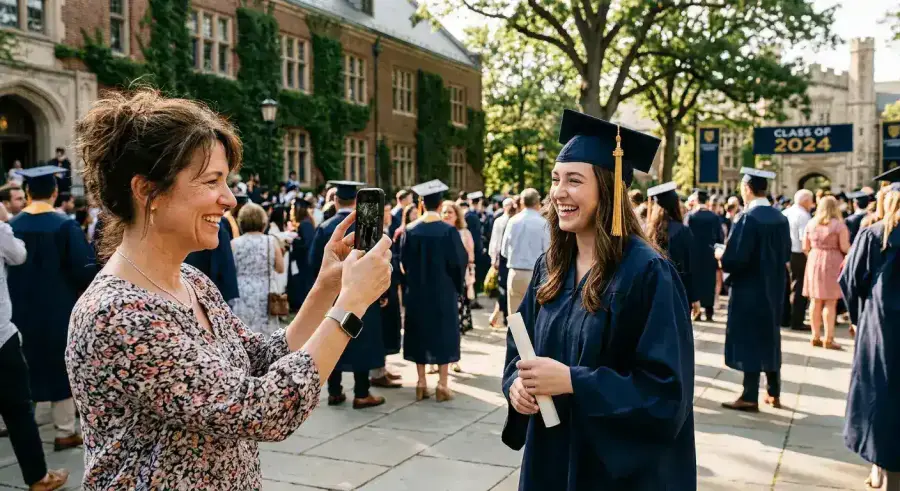
School Events & Graduations
Preserve every milestone from the perspective of parents, students, and staff.
View all use cases →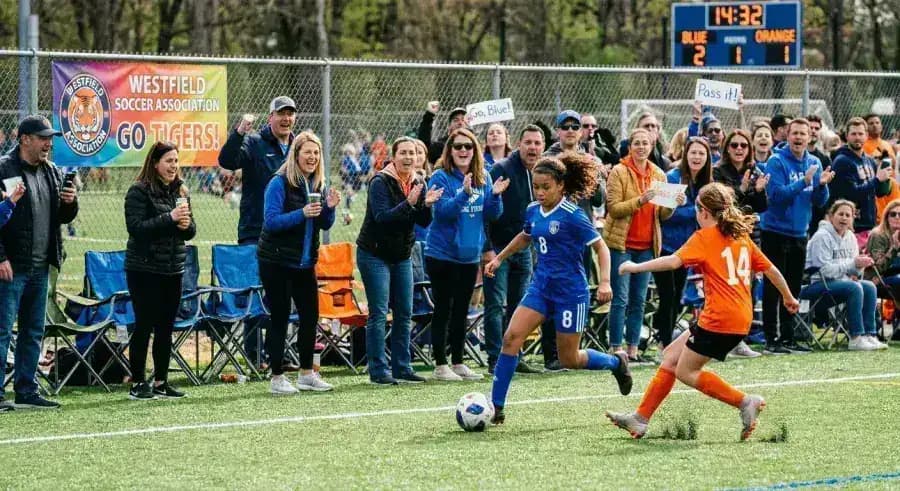
Sports Tournaments
Capture the game from every sideline. Parents, coaches, and players all have a perspective worth keeping.
View all use cases →
Corporate Retreats
Authentic team culture, captured organically. No stiff headshots — just the real energy of the offsite.
View all use cases →