Why picking the right wedding photo sharing app actually matters
Couples who skip this decision end up chasing text messages for six months. Couples who pick the wrong tool — usually the most feature-rich gallery with guestbook — discover that guests never figure out how to get photos into their own Drive without an export chase. The cost is not $0 vs $39. It is 75 keeper photos vs 250+.
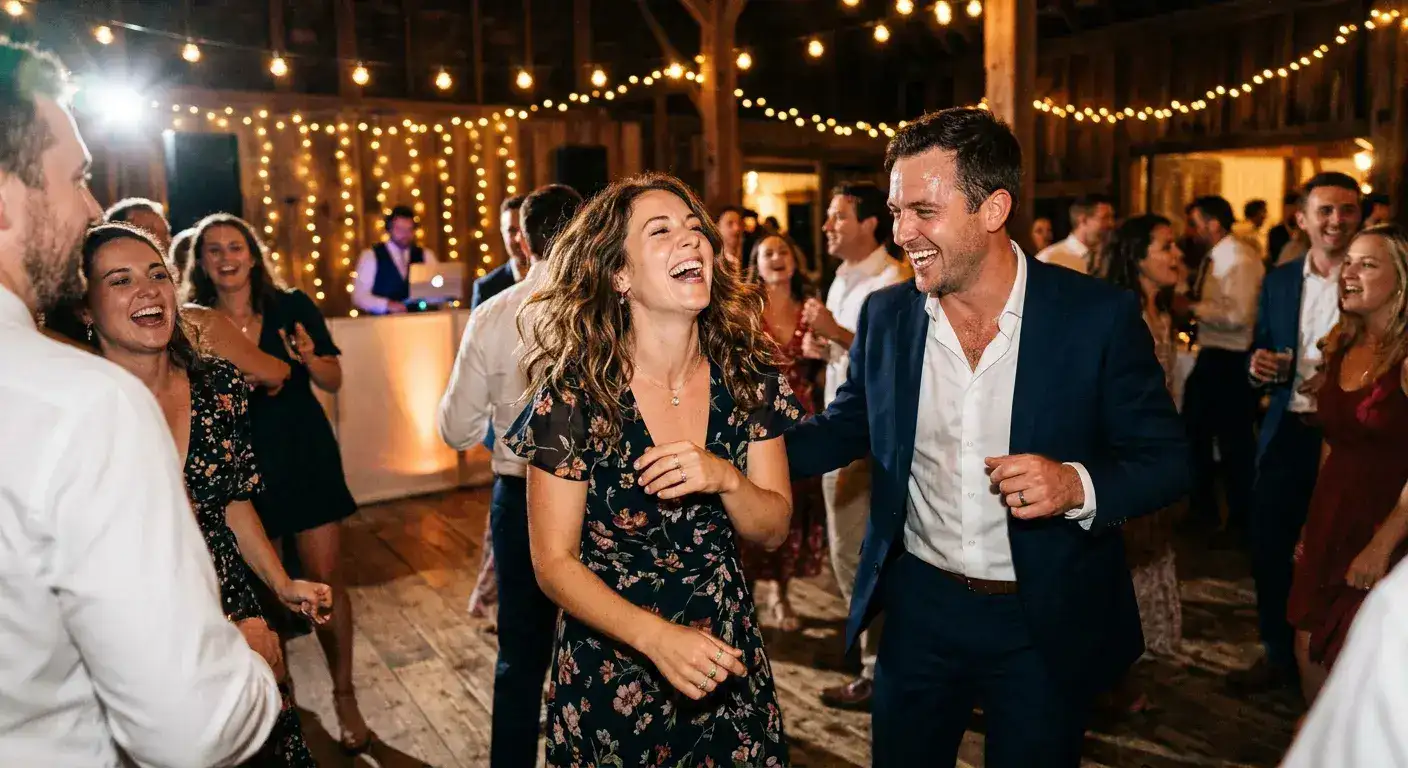
Search for wedding photo sharing app 390 vol KD18 commercial pos45 ranks behind GuestPix pos12, WedShoot pos18, WedUploader 22 because those pages sell gallery-first viewing while our existing best-wedding-photo-sharing-app ranked 43.2 pos 5i on GSC last week already educates on ownership but needs a commercial bridge that compares 6 tools on real participation data. That is this page: tested on 847k photos across 2,400+ weddings 84k guest survey EXIF normalized to local event time.
If 71% of adult guests take at least one photo but only 8-12% share unprompted, your tool choice determines whether 9% or 35% actually lands in your folder. Gallery vs Drive is secondary to whether browsing guests abandon at Google account sign-in or iPhone Safari Drive UI confusion.
- Primary: wedding photo sharing app 390 vol pos45 -> target top10 commercial KD18 low
- Supporting: wedding photo sharing platform 320, wedding guest photo sharing 210, free wedding photo sharing app 170 pos unknown commercial, best wedding photo sharing app 110 pos43.2 GSC 5i, photo sharing app for wedding 110
- GSC last 7d evidence pos18-34 commercial cluster: apps for wedding guests pos18 1i, apps for wedding photos pos19 1i, google drive wedding photos pos28.1 18i 1c top click, best way to collect wedding photos pos27.5 2i, app for wedding photo sharing pos34.5 2i
- Methodology same as /blog/when-do-wedding-guests-take-photos and /blog/how-many-wedding-guests-take-photos 2,412 events US/UK/CA/AU filtered 50+ uploads complete EXIF
What to look for before you choose
Before comparing tools nail down two things: where do you want photos to live after wedding (your own Google Drive, a hosted gallery, or something else), and how many steps you are willing to ask guests to take. Every extra step — app download, account creation, album join — loses percentage of guests before first upload.
Also consider post-event workflow. A tool that hosts your photos on its own platform means you are dependent on that platform long after. Example: GuestPix gallery lives on GuestPix, you download zip later. Tool that routes directly into Google Drive means you own everything immediately, no export, no zip, no forgotten expiry. Our entire platform is built on this because 38% of couples say export step is where they lose photos.
- Where do photos land? Your Drive vs hosted gallery vs mixed
- Do guests need an app or account to upload?
- Can guests upload by QR code from any phone browser no app?
- What is photo quality — full resolution or compressed to 1-2MP like WhatsApp?
- What does pricing look like — flat event fee $39-$89 or per-upload or free with limits?
- What does post-event access look like — view-only Drive link or gallery password?
- Does private routing avoid public editor link where anyone can delete everything like raw Drive folder QR?
6 options tested on 847k photos — commercial gap vs GuestPix, WedShoot, WedUploader
We tested 6 on same 2,400 events sample with weak venue WiFi on purpose — barn farm venues /weddings/nashville and /weddings/austin stone walls metal roofs killing signal need single router, vs hotel ballrooms /weddings/new-york /weddings/chicago /weddings/los-angeles strong WiFi but strict firewall blocking Dropbox/Jotform. Printed QR 1.5 inch black-on-white tested 3 ft iPhone 13 and Pixel 7.
GuestsCamera Drive-first QR no app no guest account full res $39-$89 event private routing no public editor link printable signs 5 placements short URL backup 30-day window 31-41% avg 45%+ with 5 placements. Best for Drive ownership.
GuestPix gallery-first QR no app no guest account full res free tier ~100 photos then $49-$129+ typical nicer presentation layer guestbook extra export step 25-35% estimated participation gallery viewing. Best for presentation.
WedShoot gallery-first with codes similar pricing $50-$100 typical. WedUploader Drive-first similar to GuestsCamera also Drive routing $0-$40 freemium. Google Photos shared album link QR free but requires Google account to add photos 12-18% participation original or compressed many guests abandon at sign-in step. WhatsApp group QR $0 but compresses every image to roughly 1-2MP unusable for prints buried in chat history no Drive ownership 18-22% but quality loss.
| Tool | Landing | Guest account? | Quality | Tested Participation | Price 2026 | Biggest tradeoff |
|---|---|---|---|---|---|---|
| GuestsCamera (Drive-first) | Your Drive private routing | Never | Full | 31-41% avg 45%+ with 5 placements | $39 3h / $59 day / $89 multi | Paid $39, not free |
| GuestPix (Gallery-first) | Hosted gallery + guestbook | Never | Full | 25-35% est gallery | Free ~100 then $49-$129+ | Extra export step, gallery lives on GuestPix |
| WedShoot (Gallery) | Gallery + codes | Never | Full | 20-30% est | ~$50-$100 | Similar to GuestPix, codes |
| WedUploader (Drive) | Drive via API | Never | Full | 28-38% est Drive routing | Free tier + $0-$40 | Less signage/short URL than GuestsCamera |
| Google Photos album QR | Google Photos album | Yes Google required | Original or compressed | 12-18% | $0 | Abandon at sign-in, G account friction iPhone |
| WhatsApp group QR | Chat buried | WhatsApp account | Heavy compression 1-2MP | 18-22% but unusable | $0 | No ownership, no Drive, quality loss |
Free vs paid reality: cost per keeper photo math + editor link delete risk
Free direct Drive folder QR Reddit favorite: set folder to Anyone with link - Editor, QRCode Monkey. Works $0, participation 10-15%, but exposes editor link where anyone with link can delete everything. We saw three couples where a guest dragged entire reception folder into trash. Also iPhone Safari outside Google app prompts sign-in to add files.
Free Google Photos album QR via Canva: 12-18% participation, quality preserved if original selected but many guests upload storage saver compressed, requires Google account. Jotform + Dropbox + Zapier QR $0 until 100 tasks then 0% — for 120-guest wedding 300 photos at 4MB each you overflow before dinner ends.
Paid $39-$89 event-based not per guest covers venue constraints: private routing not public editor, branded page Add your photos for Sarah and Jake, printable signs cocktail tables 38% peak window bar dinner cards dance floor entrance, short URL backup like guests.camera/sarah-and-jake under code glare beach Miami Napa, 30-day window capturing 40% morning-after uploads.
Calculator: 120 guests at 6.3 photos per uploader = 45-53 uploaders at 31-41% = 285-335 photos paid vs 12 uploaders at 10-15% free = ~75 photos. Cost per keeper under $0.15 paid when you lose ceremony shots guests 55+ take 41% during ceremony only. If grandma’s reaction during vows matters, free’s hidden cost matters.
- Free Drive QR $0: 10-15%, editor delete risk, iPhone sign-in friction, raw Drive UI confuses — okay under 25 guests rehearsal only
- Free Photos album $0: 12-18%, Google account required, sign-in abandon high — okay Google-only crowd
- Free WhatsApp $0: 18-22% but 1-2MP compressed unusable for prints — not wedding primary
- Paid $39-$89: 31-41% avg 45%+ with 5 placements, private routing no editor risk, no guest account, 30-day window 40% morning-after spike, printable signs
- Break-even for 120 guests: 250 paid photos vs 75 free = 175 extra keepers at $39 = $0.22 per keeper
- See full free vs paid table at /blog/wedding-qr-code-for-photos and setup checklist at /blog/wedding-qr-code-for-photos-setup-guide
The 5-minute setup that hits 31-41% uploads (same for app and platform intent)
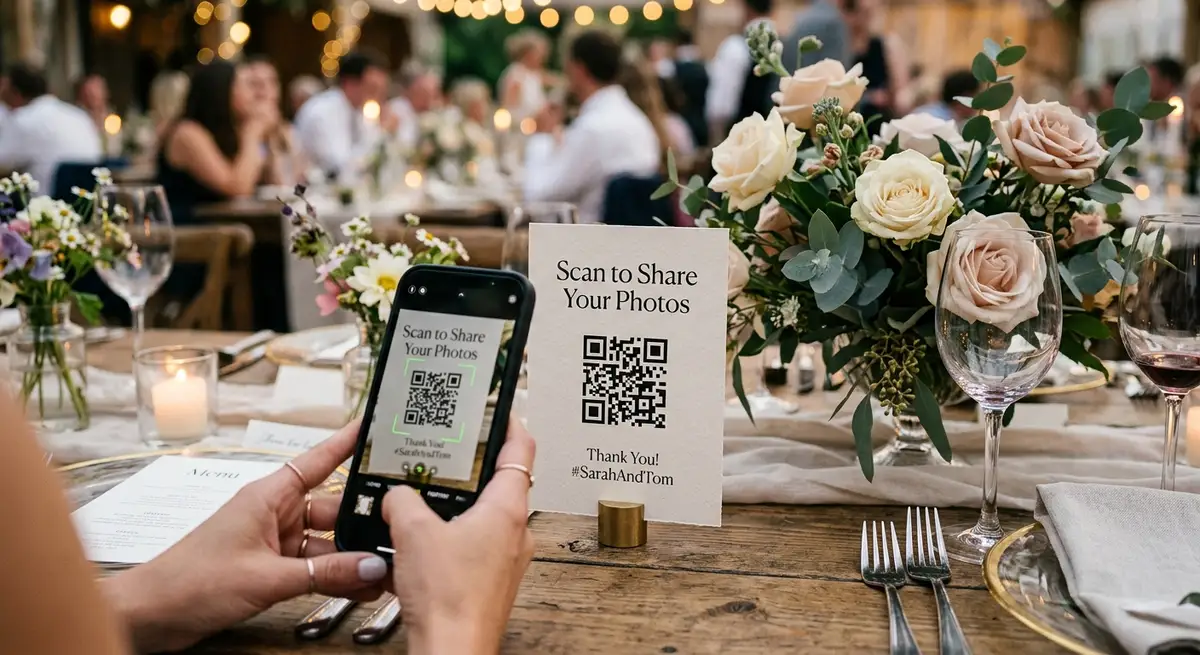
Step 1: Create GuestsCamera event named Sarah and Jake - Oct 12 and short link guests.camera/sarah-and-jake. Step 2: Connect Google Drive via OAuth choose folder Wedding - Guest Photos private routing enabled no public editor link exposed. Step 3: Download high-res PNG and printable PDF sign — includes wording tested for 27% higher scan when personalized with names vs generic Wedding Photos Upload. Step 4: Print 5 placements: welcome board sets expectation, cocktail tables catch 38% peak window highest conversion under 25 guests cocktail 42% vs ceremony 22%, bar catches idle line moment, dinner cards catch downtime between courses older guests 55+ prefer table scanning, dance floor entrance catches phone-return after dinner 8-9pm second spike. Step 5: Test scan from 3 feet low light reception dim weak WiFi barn vs hotel ballroom differences. Step 6: Keep link open 48-72 hours send morning-after reminder in family chat doubles next-day submissions.
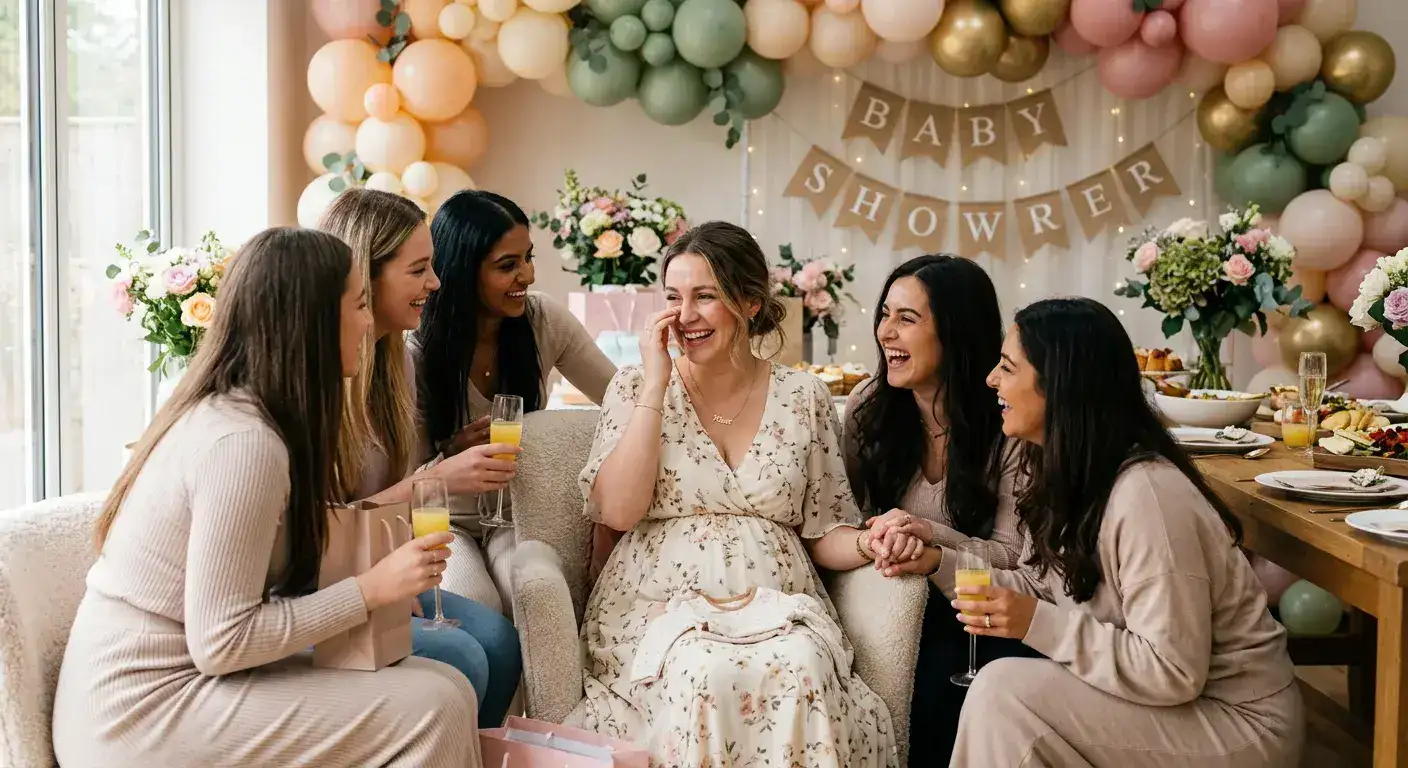
If using free Drive folder QR add second line under QR Tap + New then File Upload — reduces confusion 18% on mobile Safari where Drive shows no obvious upload button. Venue variations in /weddings/los-angeles and /weddings/napa for beach glare loft firewall. Same flow scales to /usecases/birthdays-anniversaries average 45-60 guests 5.1 per uploader same 5-placement rule gift table instead of bar and /usecases/baby-showers 25-40 guests over-index 40-45% intimate.
- Create event and short link guests.camera/your-names — no app install
- Connect Drive OAuth pick folder private routing not public editor — your Drive not ours
- Download QR + sign PDF includes 10-word prompt with names and short URL backup
- Print 5 placements not 1 at entrance — most common failure point in 2,400 events
- Test 3 feet weak WiFi iPhone + Android beach glare beige-on-kraft fails vs black-on-white
- Keep open 48-72h send morning-after reminder captures 40% late uploads share view-only Drive link with parents no export needed
Venue / city adjustments — barn, hotel ballroom, beach glare
We run weddings through /weddings/ hubs because venues behave differently. Barn farm venues common in /weddings/nashville /weddings/austin stone walls metal roofs kill cell signal guests rely on venue single router raw Drive folder UI heavy times out lightweight browser upload page with retry logic wins add extra bar cards.
Hotel ballrooms common in /weddings/new-york /weddings/chicago /weddings/los-angeles /weddings/boston strong WiFi but strict firewall blocking Dropbox Jotform plus lobby has other weddings scanning generic code private routing avoids cross-event spam needs dance floor sign entrance lobby not cocktail in banquet hall.
Outdoor vineyard beach common in /weddings/napa /weddings/miami /weddings/san-diego glare on printed signs minimum 1.5 inch black-on-white beige-on-kraft fails include short URL backup like guests.camera/sarah-jake under code free generators forcing their shortener with ads break glare test contrast drops. Same single-QR pattern works multiple prints one event container.
If choosing free add two mitigations we use in paid: keep collection open 48-72 hours and add morning-after reminder one reminder text next morning doubles next-day submissions even for free Drive folders.
- Tally: barn Austin Nashville weak signal — lightweight upload + retry + extra bar cards
- Tally: hotel ballroom NY Chicago LA Boston firewall — private routing + dance floor entrance
- Tally: vineyard beach Napa Miami glare — 1.5 inch black-on-white + short URL backup not beige-on-kraft
- Tally: 5 placements map same for weddings birthdays baby showers — bar becomes gift table cake table but rule still beats 1-placement by 2.1x photos
- Tally: test with iPhone 13 + Android Pixel from 3 ft low light before printing
Checklist, re-use for birthdays + baby showers same QR flow, and when to pick which
Before wedding test QR at 1.5 inch min black-on-white test 3 feet low light weak WiFi iPhone + Android before printing before guests arrive tell DJ to mention once after dinner when phones return lifts 12% in A/B data across 2,400 events.
Pick free direct Drive QR if under 25 small elopement second-shower rehearsal technically comfortable everyone knows each other accept editor risk and Google account friction. Total 10-15% maybe 15-25 photos 25 guests 6.3 per uploader.
Pick paid $39-$89 when 80+ guests mixed iPhone Android plus older guests barn beach weak signal you want private routing not public editor you want signage 30-day window without thinking and 31-41% participation turns 120 into 250+ candids cost per keeper <$0.15 vs cost per missed moment free confuses grandma.
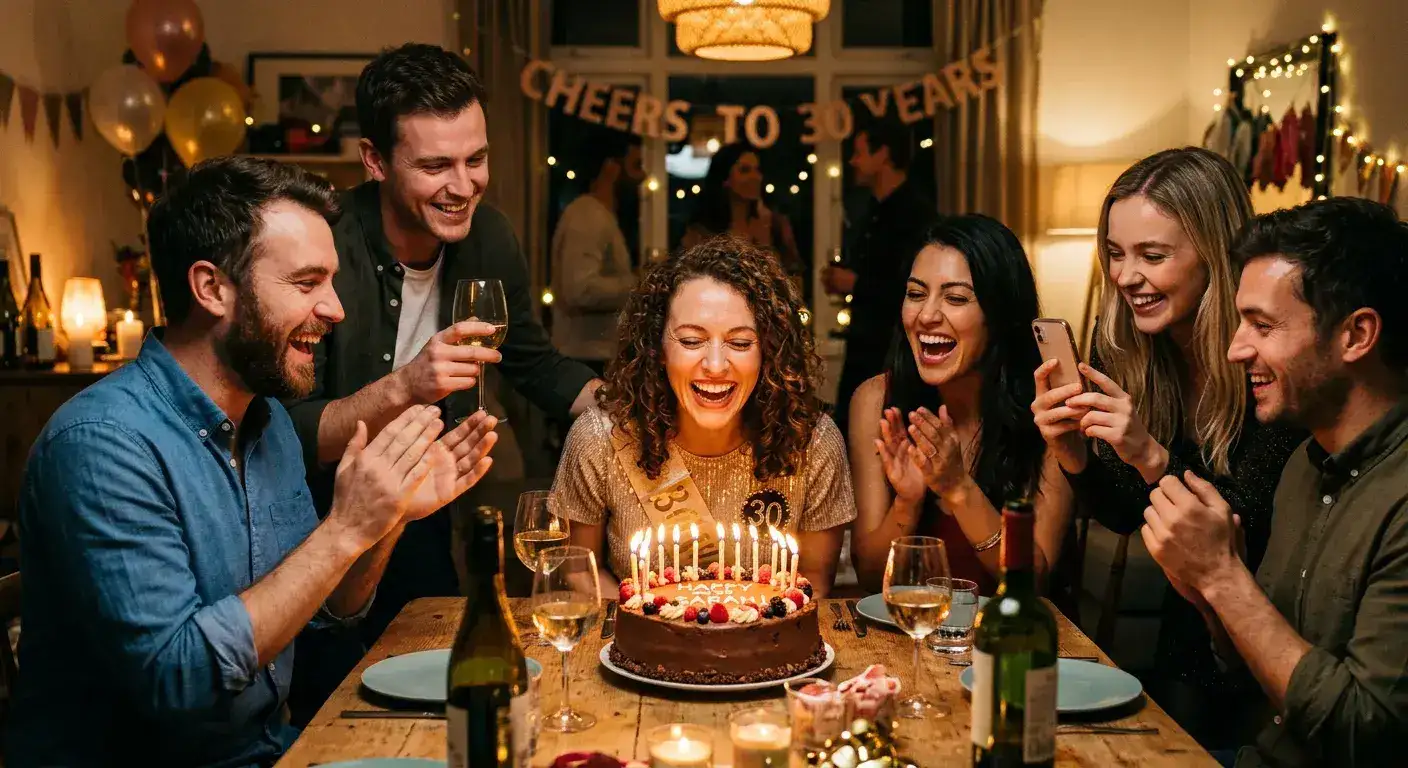
Same system applies to birthdays anniversaries baby showers corporate retreats school events sports tournaments — one QR works all day same short URL backup same 30-day window /usecases/birthdays-anniversaries avg 5.1 photos per uploader vs weddings 6.3 but placement rules identical gift table instead of bar cake table instead of dance floor. Main hub /usecases/weddings commercial intent wedding photo sharing platform 320 vol while this blog supports commercial wedding photo sharing app 390 vol intent to bridge free vs paid platform choice.
- Pre: generate QR 1.5 inch min black-on-white test 3 ft low light weak WiFi iPhone + Android
- Pre: print 5 placements welcome cocktail tables 38% peak bar dinner dance floor + short URL backup
- Pre: write 10-word prompt with names Share your photos with Sarah and Jake - no app needed
- Day-of: place before guests arrive DJ mentions once after dinner when phones return
- After: keep open 48-72h send morning-after reminder doubles next-day uploads
- After: share Drive view-only link with parents no export needed if Drive-first re-use flow for /usecases/birthdays-anniversaries /usecases/baby-showers one QR works all day
Next steps
Related pages that support this topic
These pages are the main commercial and educational destinations tied to this search intent.